Get the app

Get GearDomain.

Use it in your browser today. The iPhone and Android apps are coming soon to the App Store and Google Play.
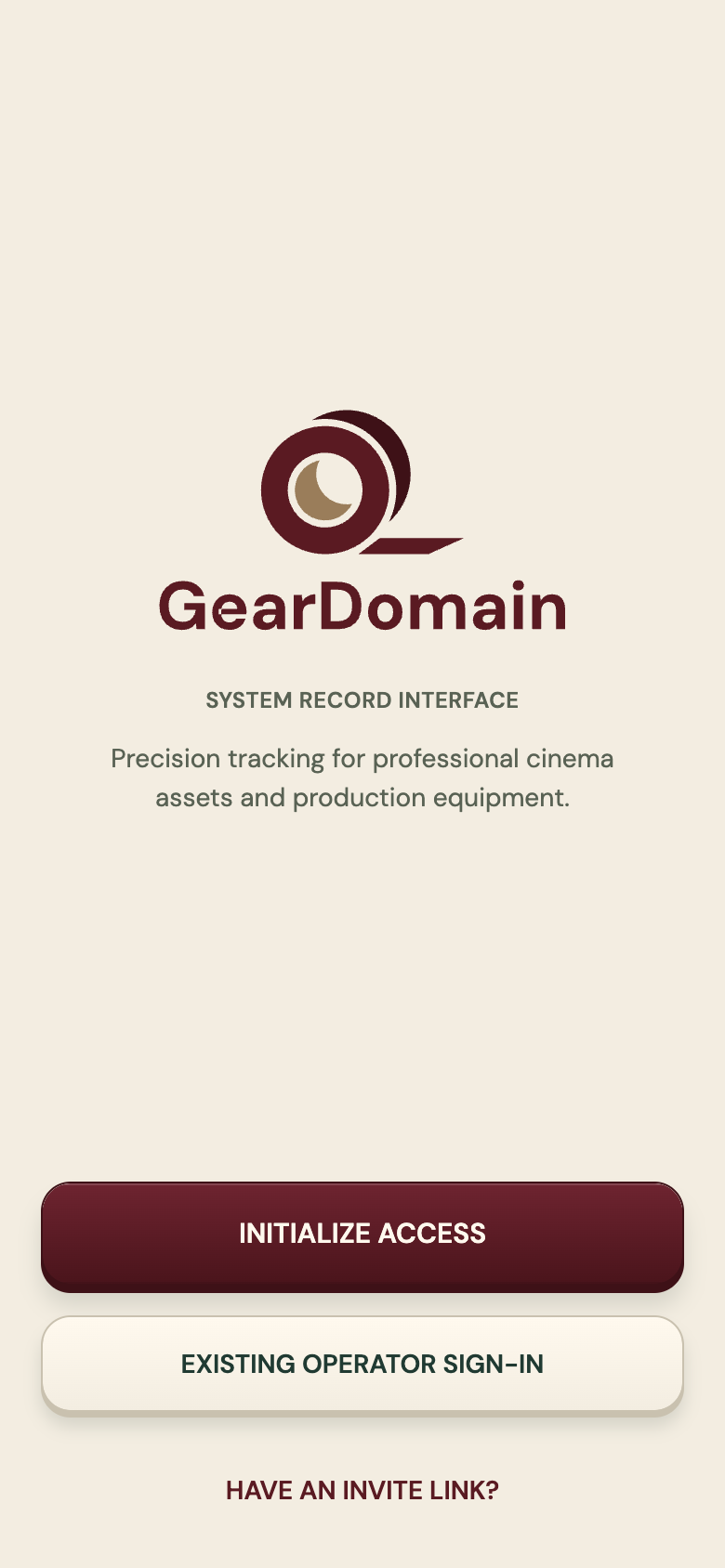
GearDomain welcome screen with the tape-roll logo, buttons to create access or sign in, and a link for people who have an invite
The first screen you see.

Three ways in

Pick the one that fits the job.

Available now

In your browser

Open the web app at app.geardomain.app. Nothing to install.

  • Your inventory, kits and reservations
  • Type an item’s code to open it: camera scanning needs a phone
  • Invite crew members to your organization

Coming soon

On iPhone

The iPhone app will be on the App Store.

  • Scan QR labels with the camera
  • Works offline and syncs when back online
  • Check-out with a signature drawn on screen
App StoreComing soon

Coming soon

On Android

The Android app will be on Google Play.

  • Scan QR labels with the camera
  • NFC tags on phones that have NFC
  • Works offline and syncs when back online
Google PlayComing soon

What you need

A phone and a printer for the labels. That is it.

A phone or a browser
iPhone, Android or the web. The phone camera reads the QR labels; no scanner needed.
Label sheets
GearDomain makes label sheets as PDFs. Print them and stick one label on each item.
NFC tags, if you like
Optional, for Android phones that have NFC.