Features
Everything GearDomain does.
Eight features for crews who move gear every day. Where a feature has its own screen, you see the real one.
01
QR labels and scanning
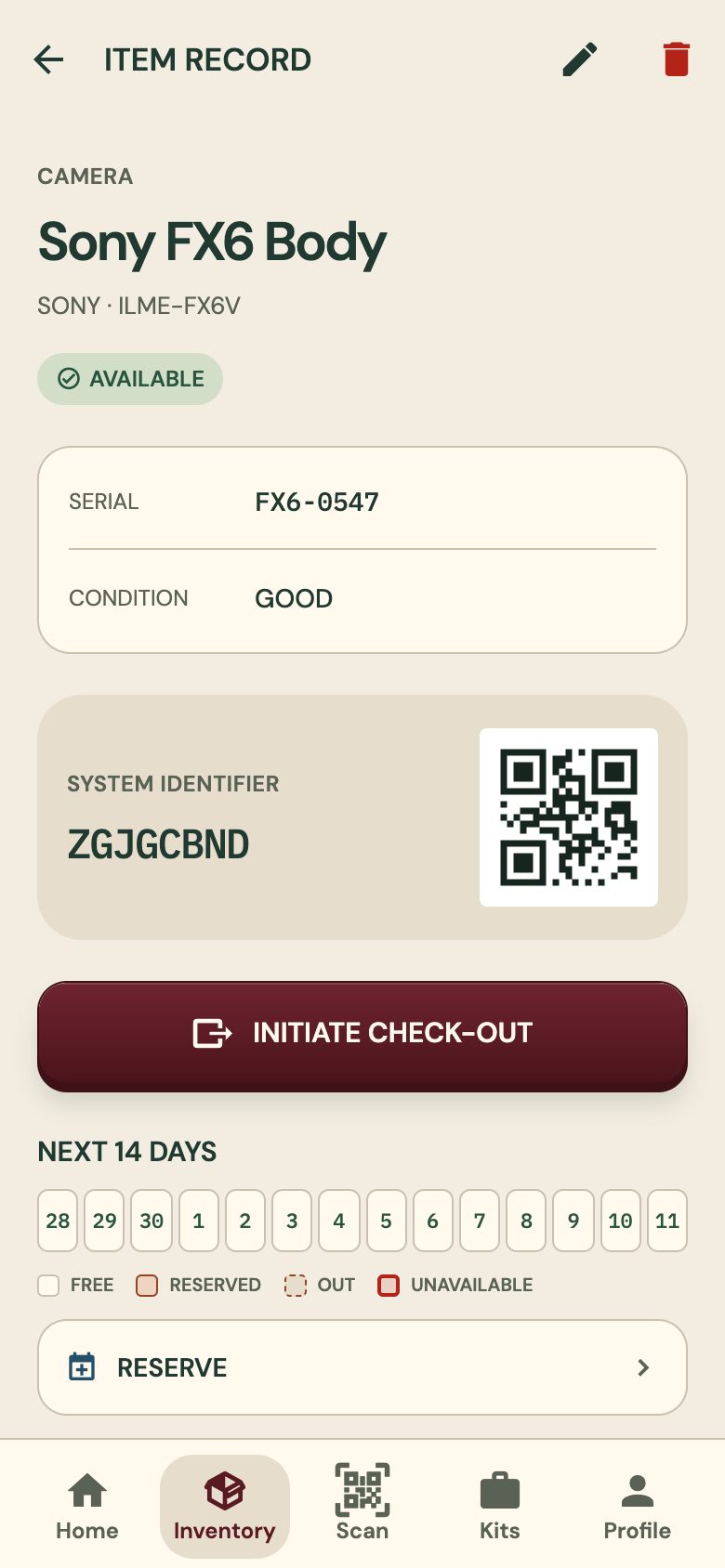
Print label sheets as PDFs and stick one label on each item. Scan a label with the phone camera and that item opens.
- The item’s record shows its QR code and identifier
- The record holds the serial, the condition and the next 14 days
- NFC tags also work, on Android phones that have NFC
02
Talk to Inventory
Say or type a list of gear and each item becomes a card. Check the cards, then import the whole list at once.
- Fixed reading rules and a gear catalog, not a language model
- It never guesses a brand or model: those come only from a catalog match
- Dictate with your keyboard’s microphone; GearDomain never records audio itself
You say
“I have a Canon C70, no wait, a Canon C300”
- Canon C300×1
Left out: “Canon C70”
You type
2x Sandbag
- Sandbag×2
03
Check-out and check-in
Know who has what. Check gear out to a crew member, and back in when it returns.
- A signature drawn on screen
- Optional condition photos
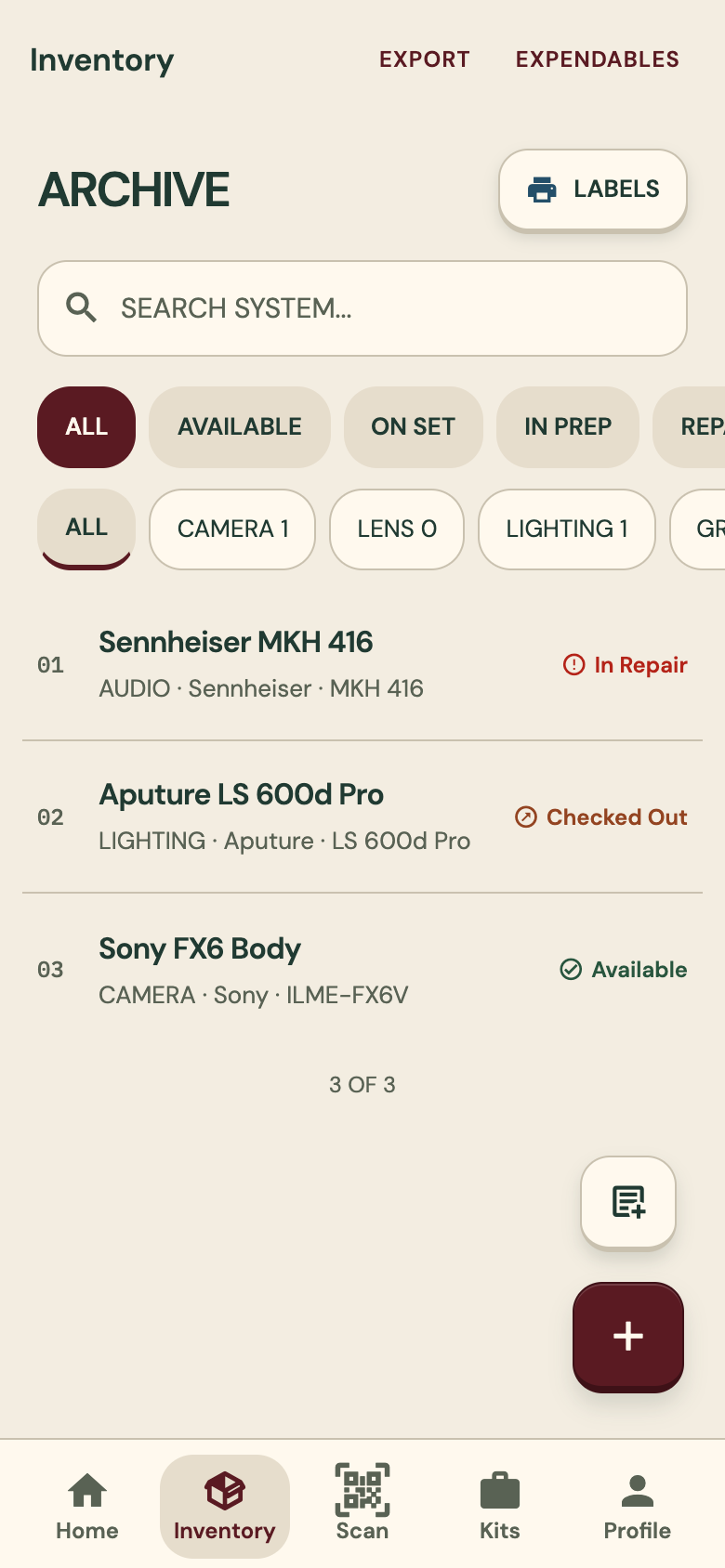
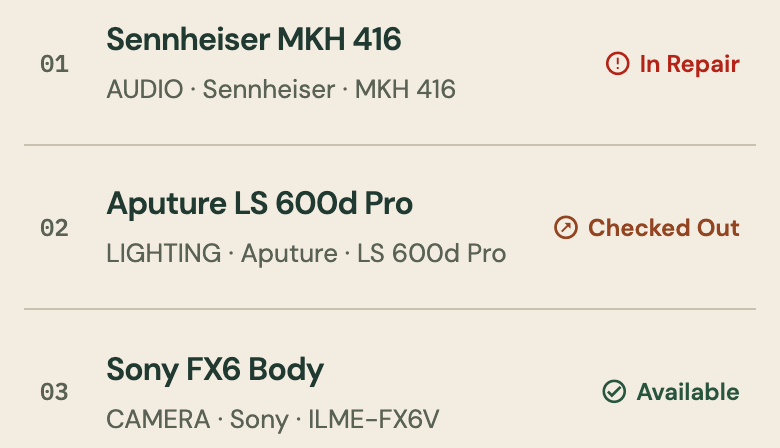
- Every row in the inventory shows its status: available, checked out or in repair
04
Kits
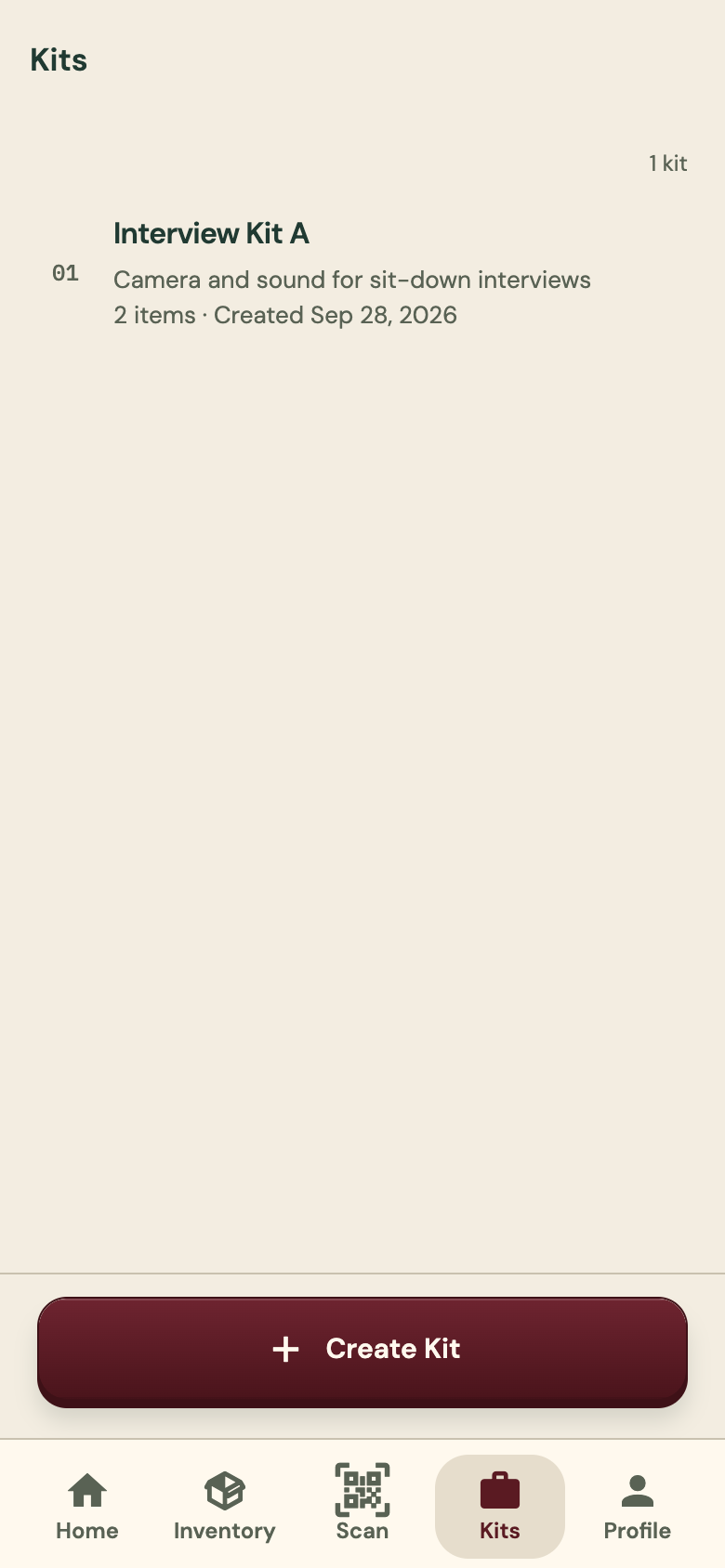
Group items into a kit and check the whole kit out or back in.
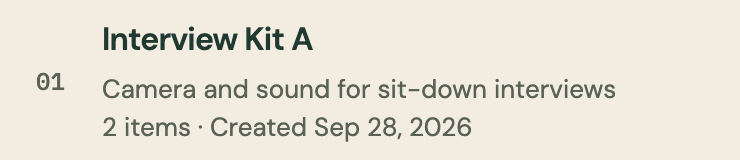
- Each kit has a name, a short description and its items
- One check-out for the whole kit
- One check-in when it comes back
05
Reservations
Book gear on a calendar. A booking that overlaps another one is refused.
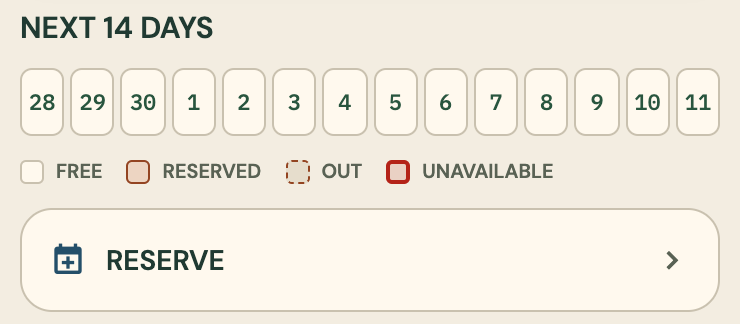
- Each item record shows the next 14 days: free, reserved, out or unavailable
- Reserve straight from the item record
- No double bookings: overlaps are refused
06
Maintenance
Service reminders, a repair log, and a lost or stolen status for gear that is gone.
- Service reminders for gear that is due
- A repair log
- Mark an item lost or stolen
07
Found-item page
Anyone who finds a labelled item and scans it sees a page where they can tell the owner. No app or account needed.
- Works with the same QR label you already use
- The finder needs no app and no account
- You can mark the item lost or stolen
Every item carries a label
Each item has its own QR code, printed on a label sheet and stuck on the gear.
A finder scans it
With their phone camera. They need no app and no account.
They tell the owner
The found-item page gives them a way to tell you they have it.
08
Teams and requests
Invite crew members to your organization, and take gear requests through a shared link.
- Invite crew members to the organization
- The welcome screen has a link for people who have an invite
- Gear requests by shared link
Under every feature
Works offline
Changes are saved on the phone first and sync when it is back online. No signal on set does not stop the work.
- Changes are saved on the phone first
- Imported items upload when the connection returns
- Talk to Inventory reads lists on the phone too, with the same rules
Try it
Start with one shelf of gear.
Add a few items, print their labels and check one out. The web app is open now; the phone apps are coming soon.